Export from Foundry
Right-click your Scene in Foundry VTT and choose Export Data to save the JSON file.
Free browser tool
Turn exported Foundry VTT scenes into Roll20-ready UVTT files — walls, doors, lights, grid size and scene dimensions included.
Processed locally in your browser — no files are uploaded.No install. No upload.
Files are processed locally and never leave your device.
From export to game table
Right-click your Scene in Foundry VTT and choose Export Data to save the JSON file.
Add up to ten JSON exports, choose animated or static, and download the generated UVTT files.
Create a page, upload the UVTT background, then verify doors and Dynamic Lighting in player view.
Before you export
No wall, door or movement barrier in the source Foundry Scene may extend beyond the actual map rectangle. For reliable conversion, leave at least one full grid square of clear margin around the map edge.
What comes across
Sight-blocking walls and movement-only barriers remain separate.
Doors are imported closed for safe manual review in Roll20.
Position, range, color, intensity and shadow behavior are preserved.
Scene size, grid squares, padding and pixels per grid are calculated.
For animated battlemaps
UVTT cannot store animation. Import the generated technical layer first, then place your matching WEBM on Roll20's Map & Background layer and set it to the exact square dimensions shown by the converter.
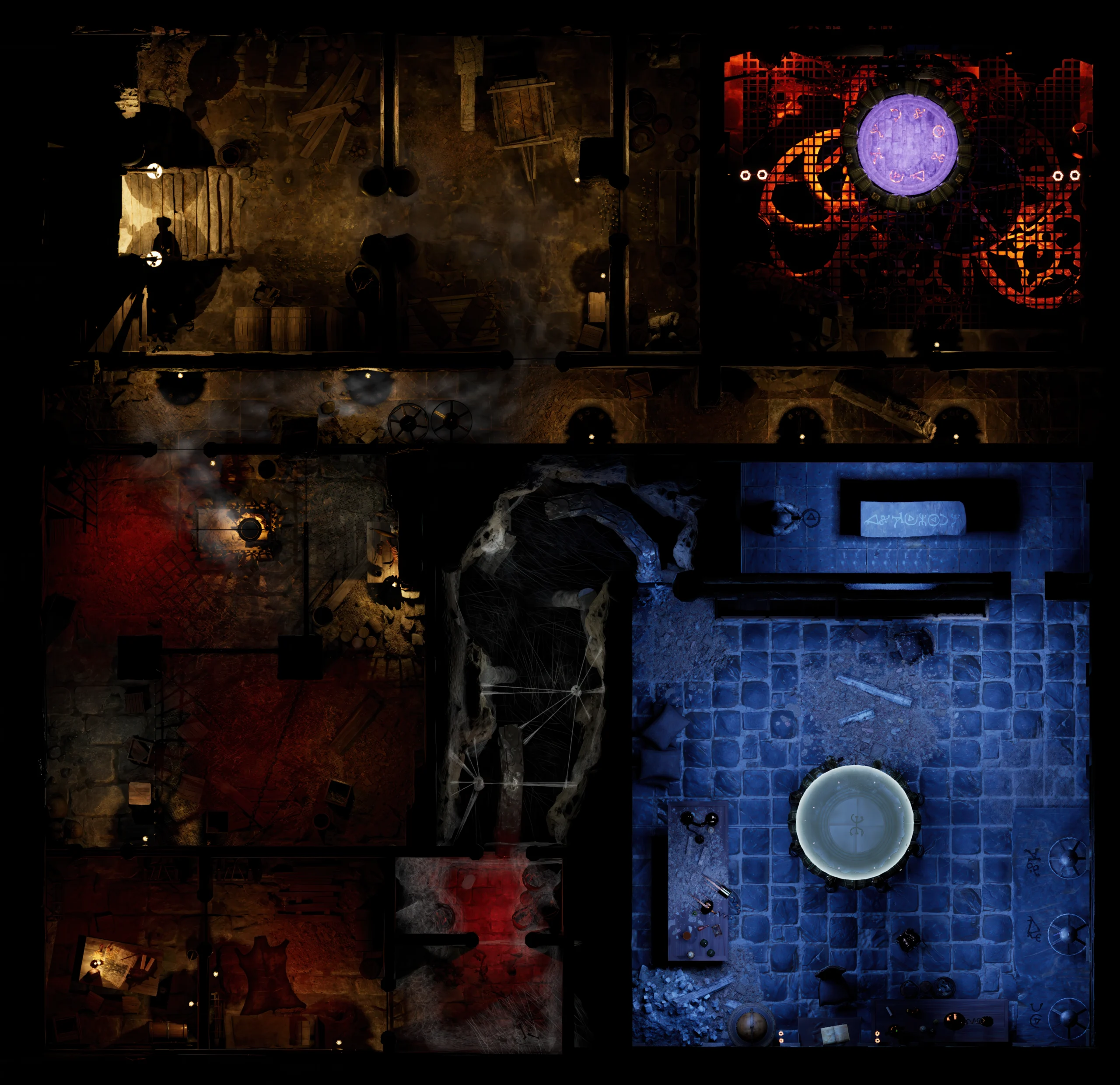 WEBM map layer
Want ready-to-play maps?
Get animated battlemaps, static versions and prepared VTT content from a growing library of 300+ maps.
Created with love by Dransky. Maps for dreamers, adventurers, and DMs.